Free WhatsApp link generator
Create your wa.me link with a prefilled message in seconds. Paste it in your bio, website or ads so people can message you with one click.
What is a WhatsApp link and what is it for?
A WhatsApp link is an address with the format wa.me/yournumber that opens a direct conversation with you on WhatsApp. The person who clicks does not need to save your contact or type your number. The chat opens by itself, and if you added a prefilled message, it is already written and ready to send.
For a business this removes friction. You can put the link in your Instagram bio, in a button on your website, in your Facebook or Google ads, in your email signature, on a flyer with a QR code or anywhere a customer might want to message you. Every click turns into a conversation that starts instantly.
The prefilled message also helps you organize incoming chats. If you set something like "Hi, I came from Instagram and want pricing info", you know where each person came from and what they need from the first message. That makes it easier to reply faster and follow up.
How to use the generator
Pick your country and number
Select the country code and type your WhatsApp number with area code, digits only.
Write a message (optional)
Add a message that shows up ready to send when someone opens the chat. For example: "Hi, I want more info".
Generate and copy the link
Click Generate link. Copy the wa.me link with a single button.
Share it anywhere
Paste it in your Instagram bio, website, ads, email signature or a QR code.
Getting a lot of WhatsApp messages?
The free link brings in the conversations. CX Inbox helps you handle them as a team: multiple agents on one number, an AI bot, quick replies and campaigns, all without dropping a single chat.
Frequently asked questions
Is the generator free?
Yes, it is 100% free with no usage limit. You do not need to sign up or share any data to generate your WhatsApp link.
Do I need WhatsApp Business?
No. The link works with any number that has WhatsApp, whether it is the regular app, WhatsApp Business or the API. Just make sure the number is active on WhatsApp.
Does it work on phone and desktop?
Yes. The wa.me link opens the chat in the WhatsApp app on a phone or in WhatsApp Web on a computer, depending on the device.
Why no "+" or spaces?
The wa.me format uses the full number with country code and digits only. The generator already strips the "+", spaces and dashes for you.
Learn more about WhatsApp Business
Practical guides to get the most out of WhatsApp for your business.

How to Send Bulk WhatsApp Messages for Business (Without Getting Blocked)
Practical guide to sending bulk WhatsApp campaigns via Business API: templates, opt-in rules, Meta pricing, and best practices to avoid account restrictions.

How to automate WhatsApp Business responses (from basic to advanced)
A practical guide to WhatsApp Business automation: auto-replies, quick responses, and AI chatbots. Learn which level of automation fits your team.
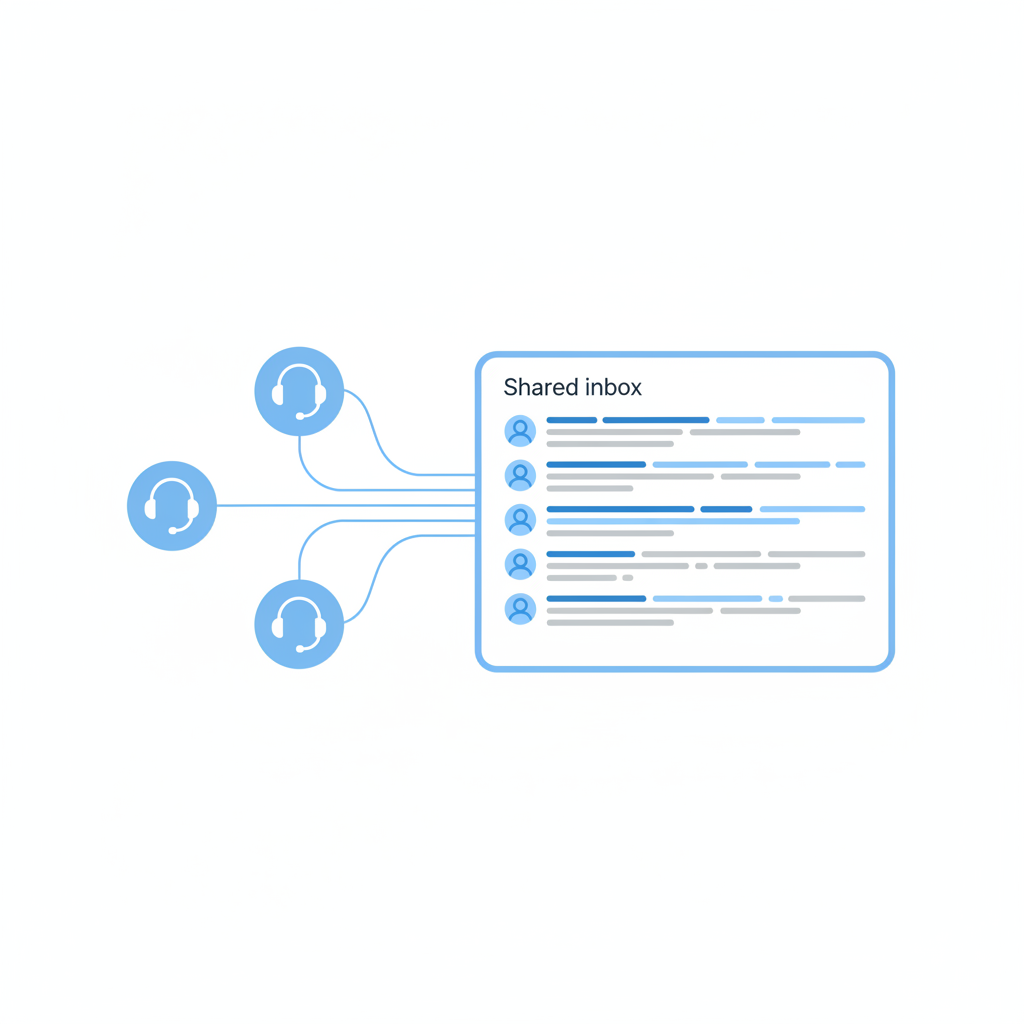
Shared Inbox for WhatsApp Business: Why Your Team Needs One
A shared inbox lets multiple agents handle the same WhatsApp Business number without lost conversations, duplicate replies or zero visibility.
WhatsApp Business API: What It Is and How to Get Started in 2026
Complete guide to WhatsApp Business API for businesses. Differences from the app, costs, templates, the 24-hour window rule and how to connect in 5 minutes.
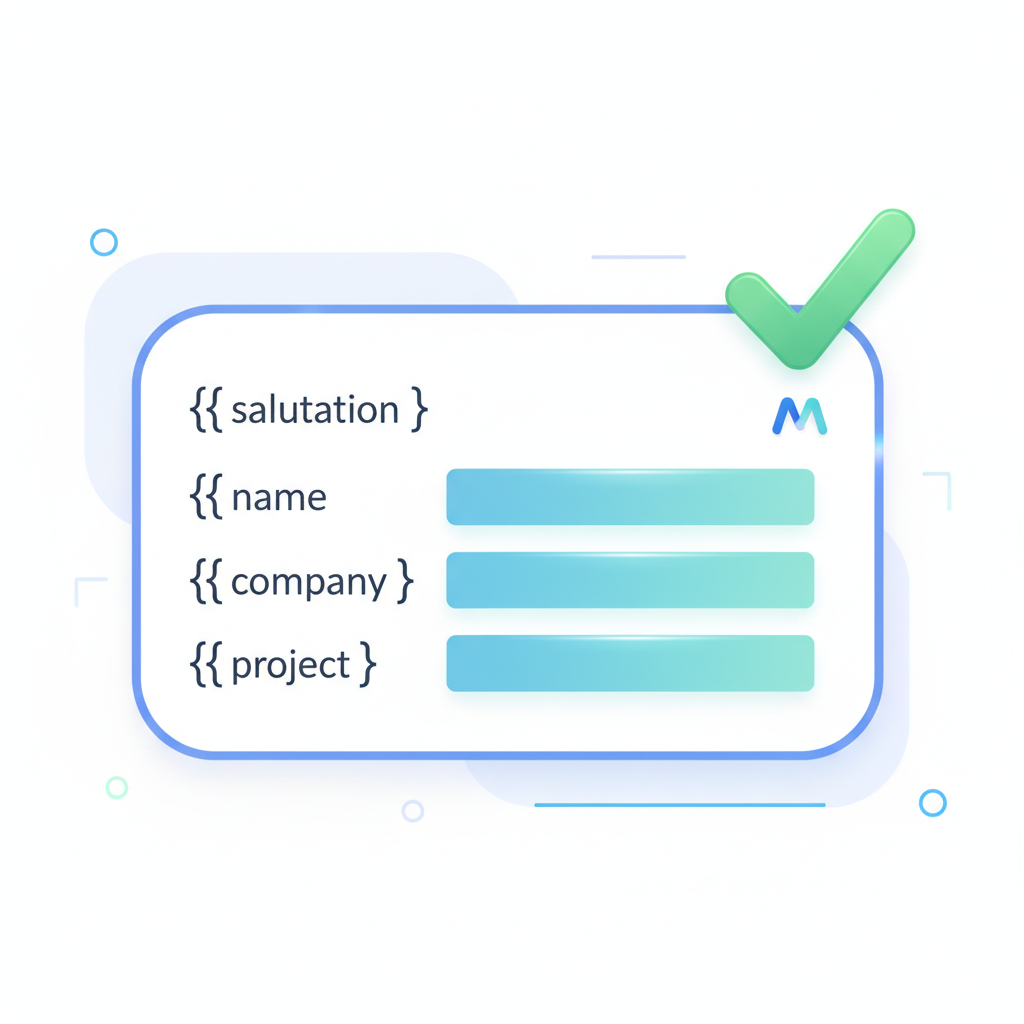
WhatsApp Business Message Templates: The Complete Guide
Everything about WhatsApp message templates: categories, approval process, variables, buttons, media headers, rejection reasons and best practices.

WhatsApp Chatbot: Complete Guide for Businesses
Everything about WhatsApp chatbots for business: bot types, use cases, setup requirements, AI vs rule-based comparison, and how to measure ROI.

